Trading Terminal
A trading terminal is the software a trader uses to see live prices and place orders — MT4 is one of the most widely used examples, and it's a useful reference point for this lesson because most other terminals organize the same information in a similar way. This lesson covers what a terminal actually does, the main pieces of its layout, and where a terminal fits between a trader and the wider market.
How to get MT4
MT4 is a free download available directly from most brokers' websites or from MetaQuotes (the company behind the platform) itself. Installing it doesn't open an account on its own — a trader still needs a broker account to log into the terminal and see live, tradable prices rather than a demo feed.
The main pieces of the terminal layout
A few areas make up most of what's on screen:
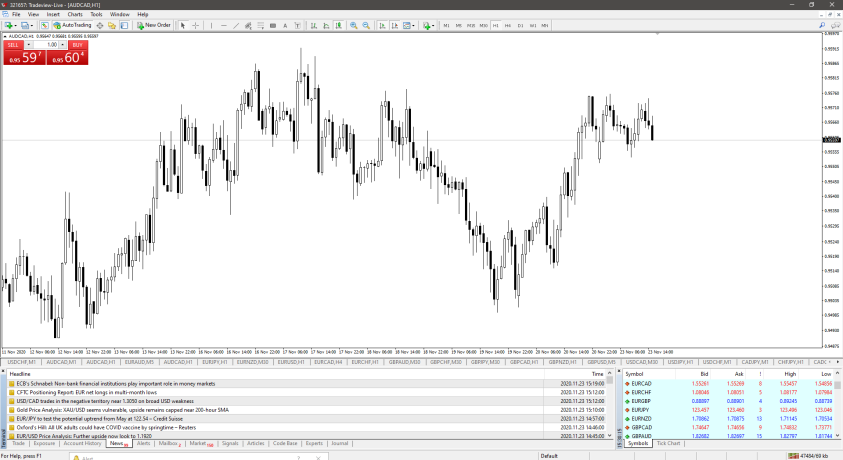
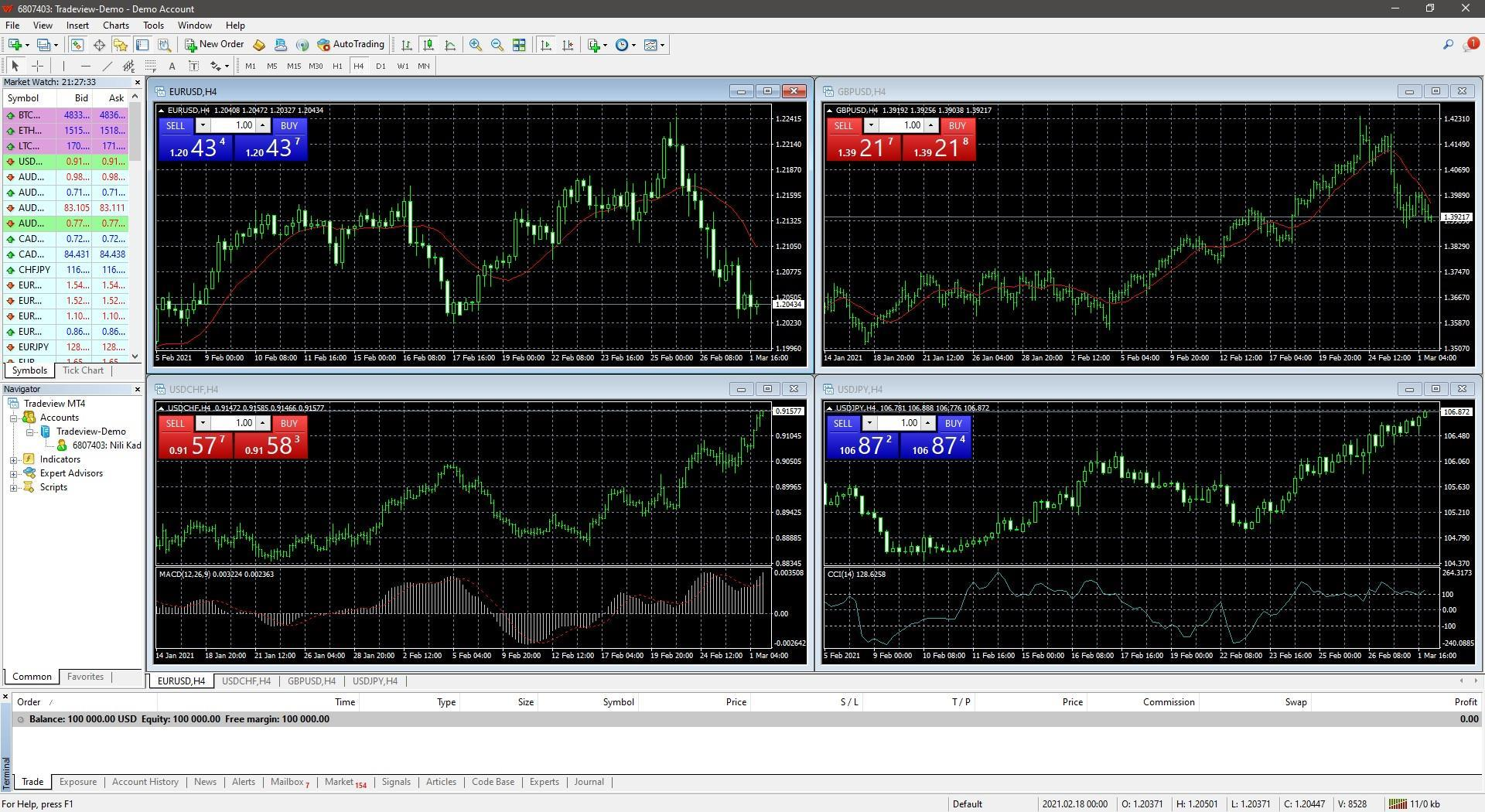
- Market Watch — a list of every available instrument along with its current price and spread (the gap between the buy and sell price quoted for it).
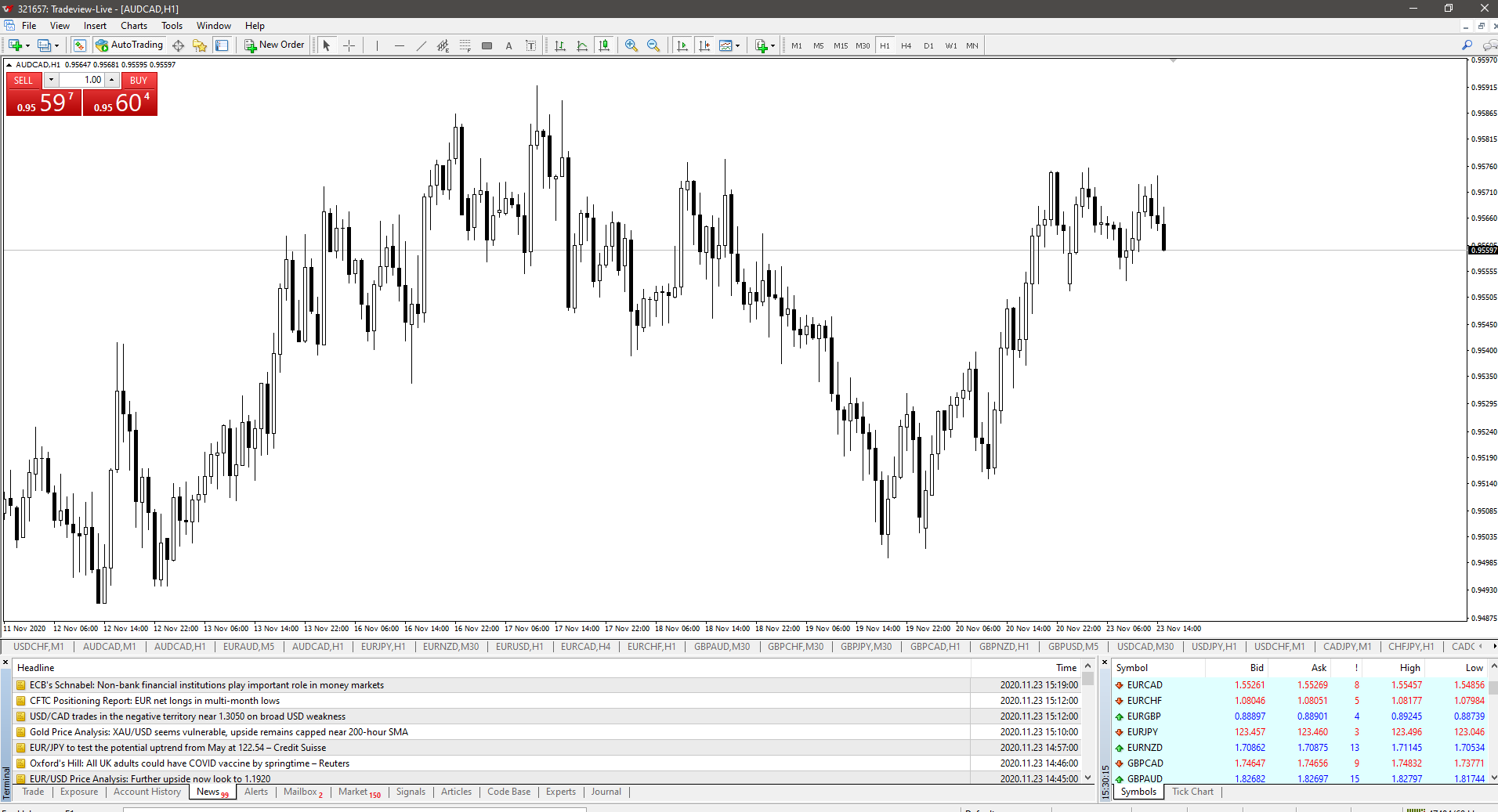
- Bid and ask price — the two live prices quoted for an instrument at any moment: the price it can currently be sold at (bid) and the price it can currently be bought at (ask).
- Toolbar and login — the controls for opening charts, drawing tools, and account settings, plus the login fields that connect the terminal to a specific broker account.
- Main chart — the price chart itself, with price plotted on the Y-axis and time plotted on the X-axis.
- Trade tab and account history tab — the trade tab shows currently open positions; the account history tab shows a record of every closed and modified position on the account.
What a trading terminal actually does
Electronic trading in stocks, commodities, and foreign exchange runs through an ecosystem with three main participants: commercial and investment banks acting as liquidity providers, brokers, and retail traders. A trading terminal is the retail trader's window into that ecosystem. Specifically, it provides:
- Live and historical prices for a given instrument, sourced from liquidity providers.
- A continuous price feed from those liquidity providers.
- The order execution function — the mechanism that actually opens and closes positions.
Who is a broker, and what does a broker do?
A broker sits between the retail trader and the liquidity providers. Concretely, a broker:
- Chooses the price with the best available spread and adds its own commission on top.
- Processes and fills trader orders by passing them through to the liquidity providers.
- Provides the trading terminal itself as the interface traders use to do all of the above.
Images





Comments (0)
- No comments yet.